
Video editing guide
Animated Movies Tier List: Free Template and Video Guide
Updated
An animated movies tier list is more engaging when viewers know what you are judging. Choose a set of films you have watched, pick a rule such as rewatch value or personal favorites, and show how each placement follows that rule. The free S–F template below gives you a blank board. Once you have recorded the decisions, use Cutiz to edit the ranking into a video.
This guide focuses on your own opinions and a clear filming process. It does not present an official “best animated movies” ranking or prefill the board with a studio's artwork.
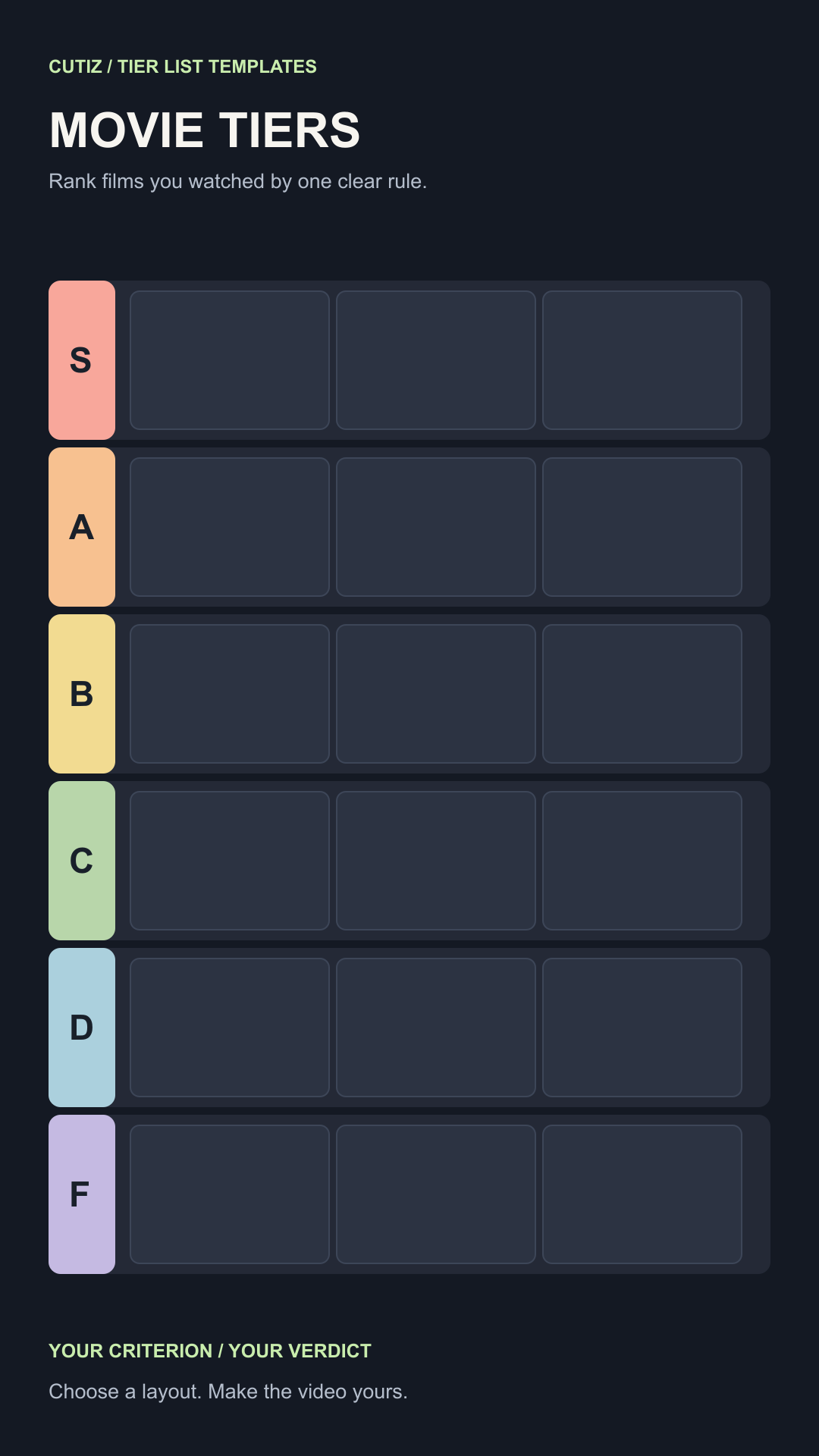
Choose the scope of your animated movies tier list
“All animated movies” is difficult to cover honestly in one video. A stronger starting point is the collection you can discuss: films you watched this year, 2010s animated movies you have seen, family films you would rewatch, or a studio's films that you know well. Tell viewers what made a movie eligible. If your list is selective, call it “the films I watched,” not a complete catalog.
Then choose one judging rule. A list of personal favorites can weigh emotion and memory. Ranking by rewatch value may place a childhood favorite differently from a film you admire but rarely revisit. If you rank by story, the order may change again. State the rule early so a surprising rank has a fair explanation.
You can adapt this sample scale:
- S: a film I would return to first for this criterion.
- A: one I would recommend easily, with a small reservation.
- B: enjoyable in the right mood or context.
- C: mixed; I value parts more than the whole.
- D: a weak fit for the rule I chose.
- F: the weakest fit among the films I included.
Two films can share a tier. If you want every film in a strict order, plan a numbered ranking instead and explain why one edges out another. The tier list maker guide explains that format choice in more detail.
Customize the animated movies tier list template
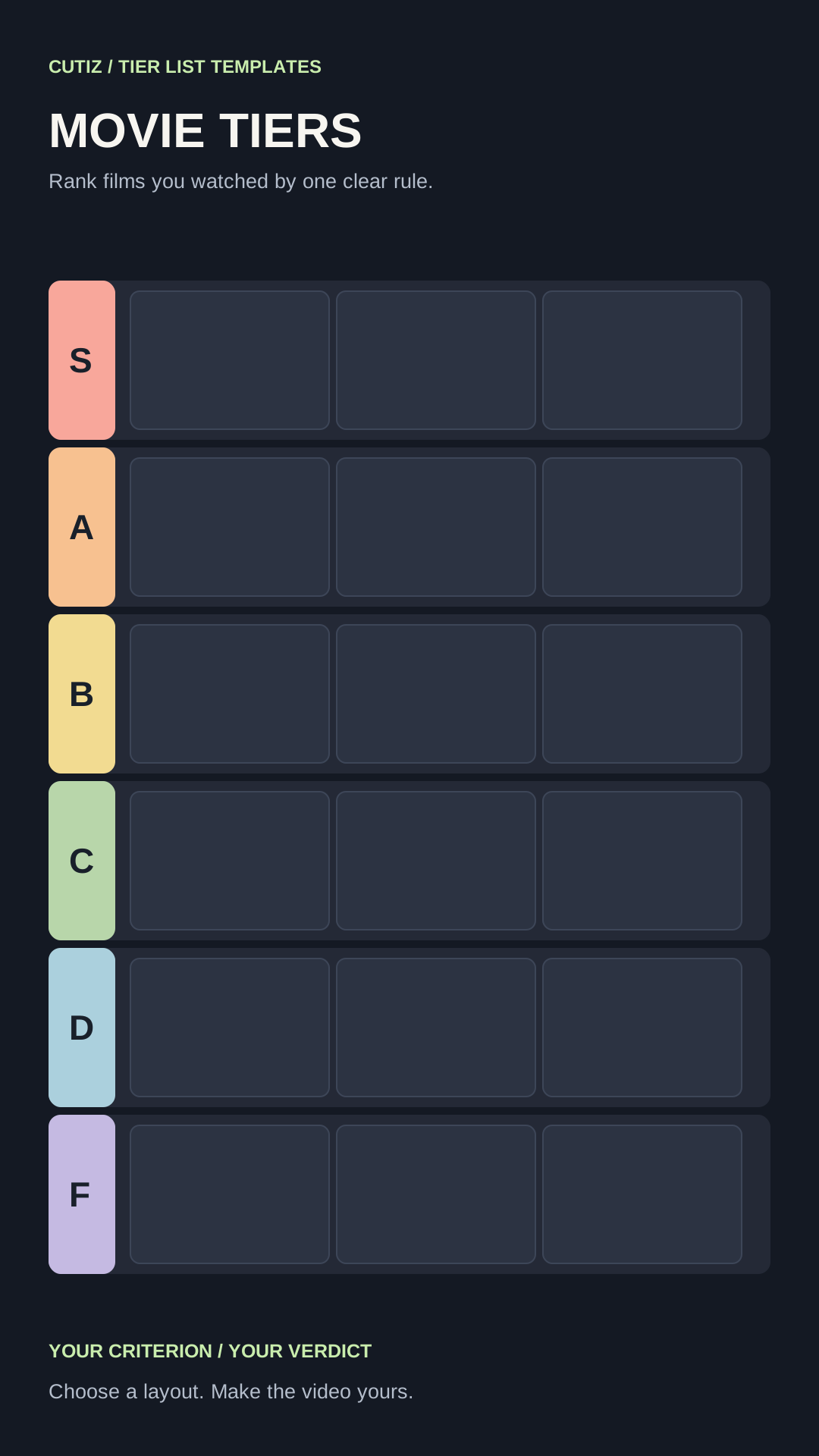
Open the SVG in a vector editor if you want to rename the ranks, change colors or replace the empty tiles. The PNG is a blank raster alternative for an image editor. Put the subject and judging rule where a phone viewer can read them. Use short film titles; if two names look similar, give each a distinctive label.
You can make the board with text alone. The supplied layout includes no movie posters or clips. If you add either, check the rights for your use and publication. A memorable opinion and clear titles do more for the video than a crowded wall of images that viewers cannot identify.
Write one reason beside each proposed rank. For example, if the rule is rewatch value, a visually striking film you saw once may belong below one you regularly return to. Make clear that this is your preference under that rule. If you change a rank while recording, update the final board so the last screen agrees with your spoken verdict.
The download is an editorial design file, not a native Cutiz project or automatic movie ranker. You supply the choices and prepare the board before the video edit.
Plan each film reveal
Introduce the film by name, show or place its tile, then say the reason while the board remains visible. Spend more time on close decisions than obvious ones. A useful line is: “I love the opening, but I revisit the second half less often, so for rewatch value this is A rather than S.” Replace the example with a film you know and a reason you can explain.
Prepare successive board images or record yourself revealing the placements. If you are filming a reaction, let your face or gesture add information: a moment of hesitation before a disputed choice is useful when it reflects the real decision. Make a short sample recording, then check how the text looks at actual phone size.
For a 2010s animated movies tier list, define the decade consistently before recording. If you are uncertain about a film's release year, verify it rather than adding a date from memory. The same principle applies to any factual statement about the films; the video can stay focused on your opinion without unsupported trivia.
Edit the animated movies tier list in Cutiz
Import the board recording and your commentary footage into Cutiz. Trim preparation and repeated explanations. Place each rank reveal near the sentence that justifies it. Use animated text for the judging rule or a short film label when the board alone is hard to read. Video layers and split-screen can combine a separate reaction with the ranking if both remain legible.
Review the audio pacing. Reversible silence removal can shorten dead time; keep pauses that help the viewer notice a surprising placement. Voice denoising can help a noisy spoken take, but listen to the result before exporting. Hold the completed board at the end so viewers can compare every row.
Edit your animated movie ranking video in Cutiz
Choose a layout for your movie ranking
The board here is designed for the complete result. If each film needs more room for your explanation, choose the item spotlight tier list template. If the video is a conversation or reaction, the reaction board gives you a different composition. The tier list video guide walks through the full recording and edit.
Start with films you know, a criterion you can state in one sentence and a board viewers can read. Your reasons make the animated movies tier list worth watching.