
Video editing guide
Fast Food Tier List Maker: Free Template and Video Guide
Updated
A fast food tier list maker starts with the question you want the board to answer. Are you ranking meals by taste, value for your own budget, how often you would order them again, or the overall visit? Choose one and tell viewers. Then add the items you actually tried to a blank S–F board. To make a video from the ranking, record your decisions and edit the footage in Cutiz.
This page includes a free fast food tier list template, a judging method and a recording plan. Your ranking should reflect your experience. The template does not supply restaurant photos, logos, menus or a prewritten verdict.
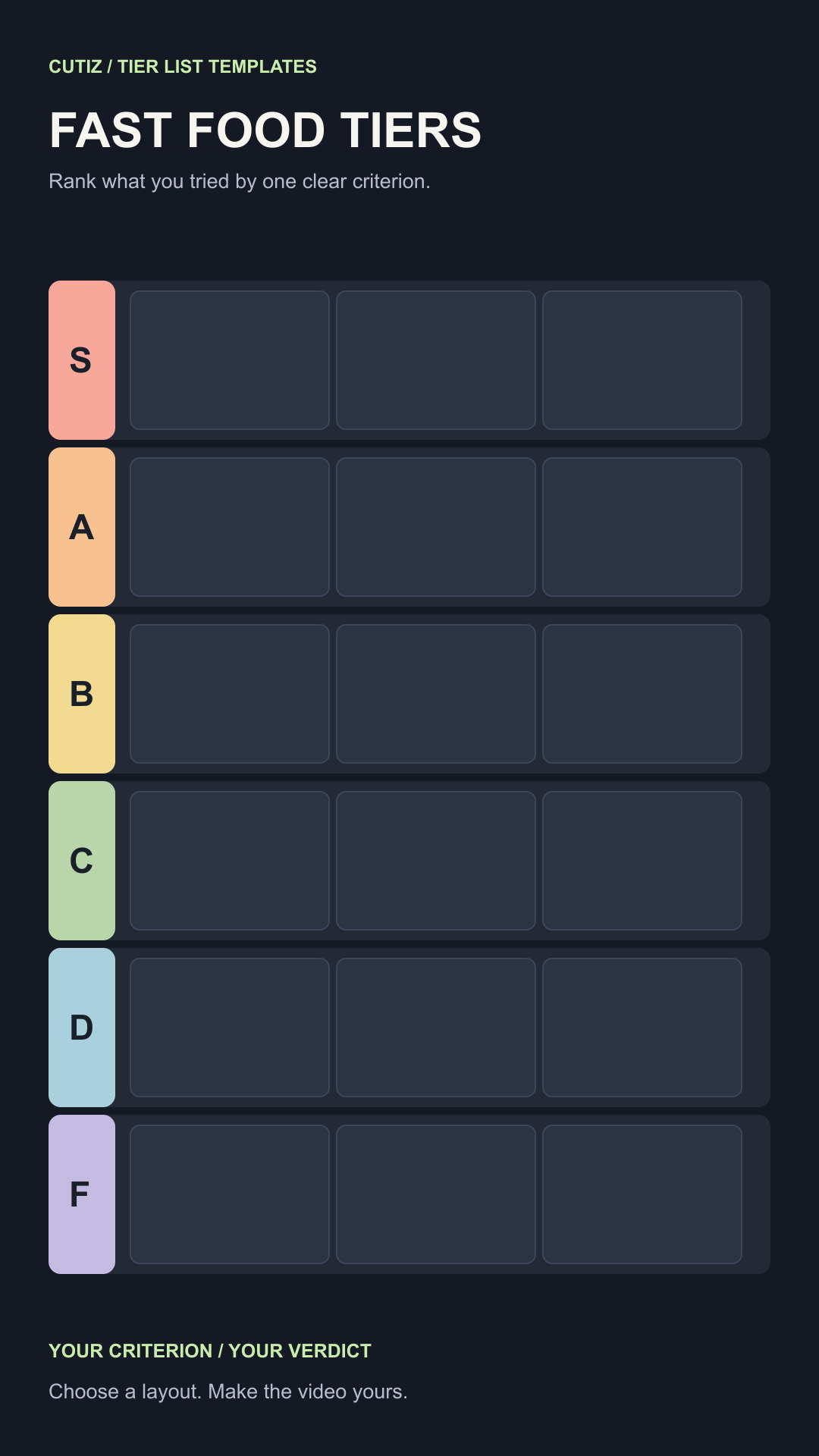
Pick what your fast food tier list ranks
“Fast food” can mean restaurants, individual meals, drinks, snacks or a specific category such as fries. Mixing all of those on one board creates a confusing comparison. Start with a clear pool: “fries I tried this month” and “full meals I would order again” are different videos.
Then write your criterion in plain language. “My favorites” makes the list personal. “Best value for my budget” needs you to explain what you paid and received. “Best for a quick lunch” gives a different result from “best taste.” A viewer can disagree with the rank while still understanding how you arrived there.
If you are ranking by taste, you might use this scale:
- S: the item I would choose again first.
- A: an easy repeat order with a small reservation.
- B: enjoyable, but not my first pick.
- C: fine in some circumstances.
- D: I would rarely choose it again.
- F: the weakest fit among the items I tried.
These labels are sample opinions, not claims about a restaurant's quality or safety. Rename them for your actual question. If you have only tried a few places, say so and keep the list focused. A useful small comparison beats a sprawling board full of guesses.
Use the fast food tier list maker template
Open the SVG in an editor that supports vector files to change the title, criterion, colors and placeholders. Use the PNG in an image editor if that is your preferred workflow. Add your own photos or short names to the empty tiles. Keep each label readable on a phone, since the board may later occupy only part of a vertical video.
Prepare one note per item before recording: the rank, the thing you liked or disliked, and whether you would choose it again under your criterion. For example, a meal can be enjoyable yet rank lower on value if it did not fit your own budget. Explain that relationship. Do not turn a personal preference into an unsupported universal claim.
This downloadable file is a design resource, not a native Cutiz preset. You may customize the original layout for personal or commercial videos. Bring your own photos and obtain the rights needed to use them.
Record a food ranking with specific reasons
Record the board as you place items, or make a sequence of board images that reveal one placement at a time. You can also record a reaction after trying the food and combine it with the board later. Name the item before the viewer sees its rank, then give a concrete reason that relates to the rule at the top of the screen.
For a “would order again” ranking, a sample line is: “I liked this on the first try, but the portion was more than I wanted for lunch, so it lands in B on my list of things I would order again.” The wording tells viewers why the same item could rank differently if you judged only taste. Replace it with your real experience.
Film a short sample and view it at phone size. Check whether the food image, name and tier label can be recognized without pausing. If a logo or product photo is essential to the story, use material you made or have permission to use, and leave enough room around it for captions.
Edit the fast food tier list video in Cutiz
Import the board recording and any reaction footage into Cutiz. Trim waiting, setup and repeated lines. Arrange each item so viewers see what you judged while they hear the reason. If you recorded your face separately, video layers and split-screen can keep the reaction visible without covering the tier letters.
Use animated text sparingly: a short “taste” or “would order again” label can remind viewers of the criterion. Cutiz's reversible silence removal can tighten empty stretches in commentary; keep pauses that make a reveal easier to absorb. If the voice recording has distracting noise, review the result after denoising.
Finish with the full board. Give it time on screen so viewers can compare their choices with yours. Ask a closing question tied to your criterion, such as “Which item would move up if value mattered more than taste?” That invites a more useful response than asking everyone to agree.
Edit your fast food ranking video in Cutiz
More food tier list formats
The same method works for a cereal tier list, candy tier list, snack ranking or soda ranking. Each deserves a separate board only when the items and judging rule really change. Start with the category you know well enough to explain, then use the tier list templates collection if you want a larger item spotlight or a reaction layout.
For the full recording and editing sequence, follow how to make a tier list video. Choose your criterion, fill the board from experience and show viewers the reasons behind your placements.