
Video editing guide
Video Game Tier List: Free Template and Video Guide
Updated
A video game tier list works when every placement answers the same question. Decide whether you are ranking games by replay value, cooperative play, story, difficulty or your own enjoyment. Put that rule at the top of the board, then use the blank S–F layout below to place the games you can actually discuss. If you want a video, record the reveals and edit them in Cutiz.
This page gives you a downloadable video game tier list template and a practical path from the board to a ranking video. The example is a method for expressing your opinion, not an official ranking of games or characters.
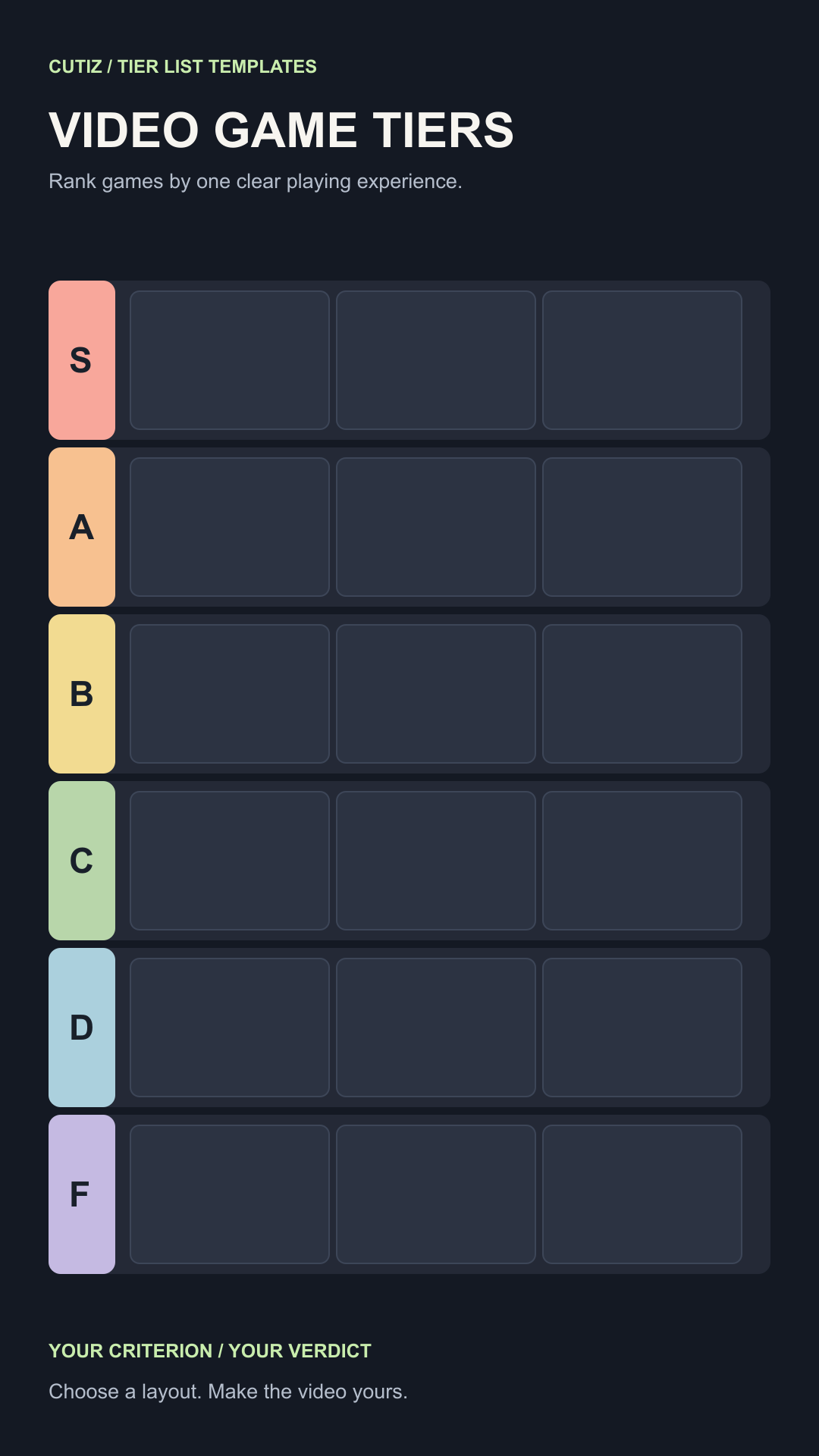
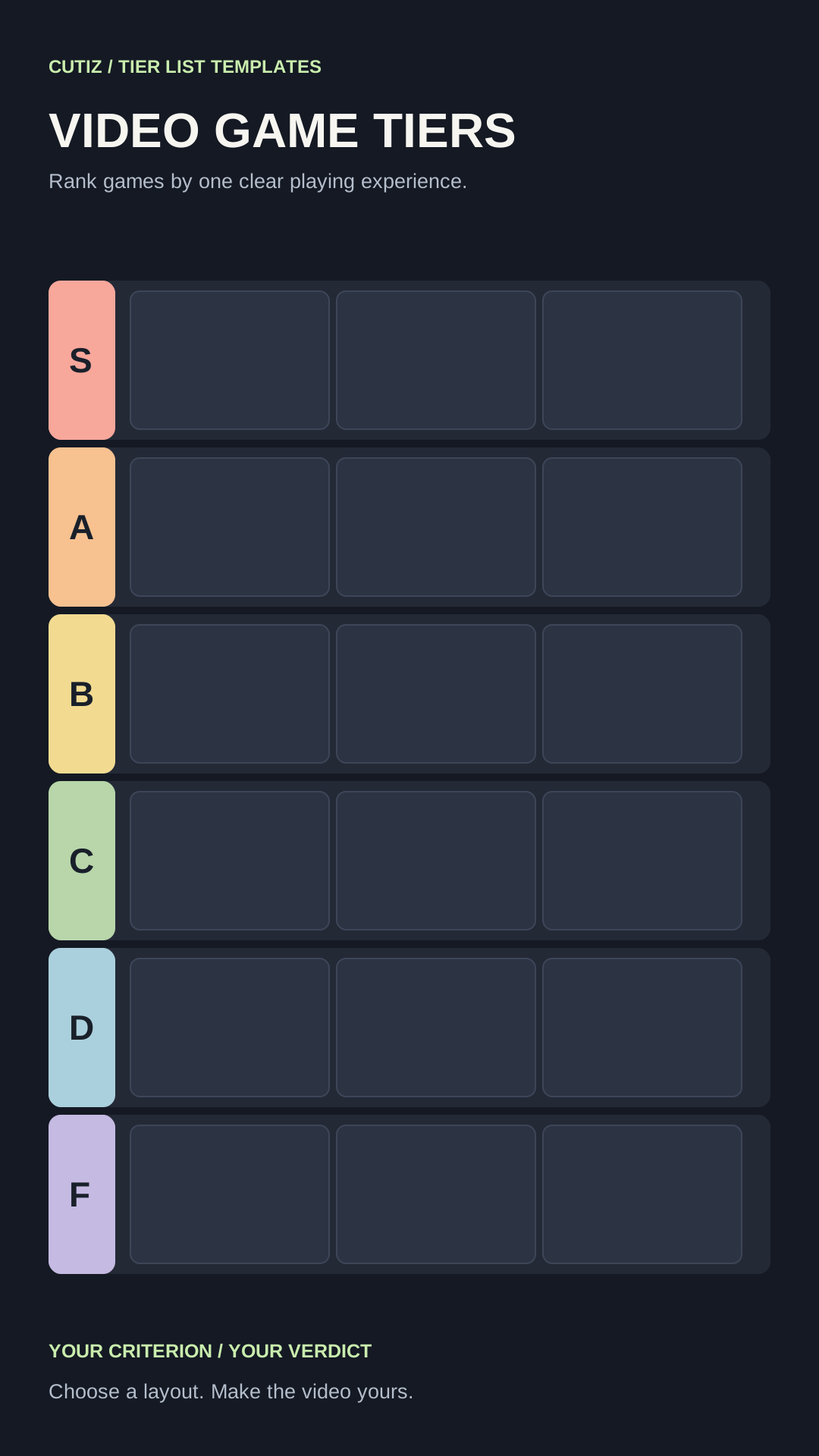
Choose a rule before you choose the games
“Best video games” sounds simple until one person judges story, another judges competition and a third judges nostalgia. A clear criterion turns the discussion into something viewers can follow, even when they disagree. Try “games I would replay with friends,” “games whose story stayed with me,” or “games I would recommend to a new player.”
Keep the pool coherent. A video game tier list about cooperative sessions can include games you played together. A separate list can cover favorite characters, bosses, franchises or consoles. Those are different promises. Splitting them gives each video a reason to exist and makes the title more honest.
Use these rank definitions only as a starting point:
- S: I would recommend it immediately for this criterion.
- A: a strong fit with a small reservation.
- B: a good fit for the right player or situation.
- C: mixed; the drawbacks matter to my recommendation.
- D: a poor fit for this particular rule.
- F: the weakest fit among the games I included.
An S–F scale is useful when two games can share a level. If your argument depends on a single first place, a numbered countdown may be easier for the audience to understand. You can still make that countdown from footage in Cutiz; the board template is for the tier format.
Fill the video game tier list template
Open the editable SVG in a vector editor to change the headline, rank labels, colors and placeholders. Or use the PNG as a blank board in an image editor. Add short game names or images you have permission to use. The six rows have space for several entries, but an empty slot is better than squeezing a title so small that nobody can read it.
Create a short note for every game: placement, reason, possible objection. For example, if your criterion is playing with friends, a game you loved alone may sit lower than expected. Explain that tension in the video. The interesting part is the reason the rank changed under your rule, not the letter by itself.
If you are ranking video game characters instead, choose a different rule that fits characters. “Favorite character design” is a personal judgment; “strongest character” needs an explained basis and may change with the version of a game. Put the chosen scope in the title and opening so the viewer knows which list they are watching.
The download is a standalone board, not a Cutiz project file. It contains no game screenshots, artwork or names. Supply your own material and check the rights that apply to your video.
Record a game ranking people can follow
Capture the board as you reveal placements, or prepare successive board states and record each one. Speak the game name before or as it appears. Give one specific reason while the viewer can still see the entry. If the rank surprises people, spend another sentence on the tradeoff instead of repeating that the game is “good.”
A simple script is: “For cooperative replay value, I’m putting this in A. I like the group decisions, but our sessions became repetitive sooner than I expected.” The sentence names the criterion, decision and reason. Replace it with your own experience; do not claim you tested a game you have not played.
Leave a little space before and after each spoken decision. That extra footage gives you clean edit points. Review a short sample on your phone before recording the full list to check whether the board, item labels and voice remain clear.
Edit your video game tier list in Cutiz
Bring the board recording and any commentary footage into Cutiz. Trim the setup and arrange the decisions so each game appears with its explanation. Animated text can show the criterion or highlight a surprising rank. If you filmed a reaction separately, the timeline's video layers and split-screen can place your face beside the board, provided both remain readable.
Listen to the spoken pacing. Reversible silence removal can shorten empty stretches, while voice denoising can help a noisy recording. Keep the pause that gives an important reveal time to register. End on the complete board long enough for viewers to scan the final placements.
Edit your game ranking video in Cutiz
Video game tier list ideas worth making separately
One broad game ranking can become a series of sharper questions: games you return to with friends, characters you enjoy playing, favorite boss encounters, stories you would revisit or console games that introduced you to a genre. Each idea changes the criterion and the footage you need. Choose the one you can support with actual experience.
For another composition, compare the four tier list templates. The item spotlight gives a game or character a larger introduction; the reaction layout makes room for your explanation. The step-by-step tier list video guide covers recording and finishing the edit.
Choose a rule, fill the board, and record the decisions you are ready to defend. Then make the video viewers can follow from the first placement to the final S–F screen.